
Open for trialFor engineering consultancies

Every project in your office, from brief to handover.

A workspace that brings together project stages, documents, correspondence and site visits. AI prepares the drafts inside the project itself.

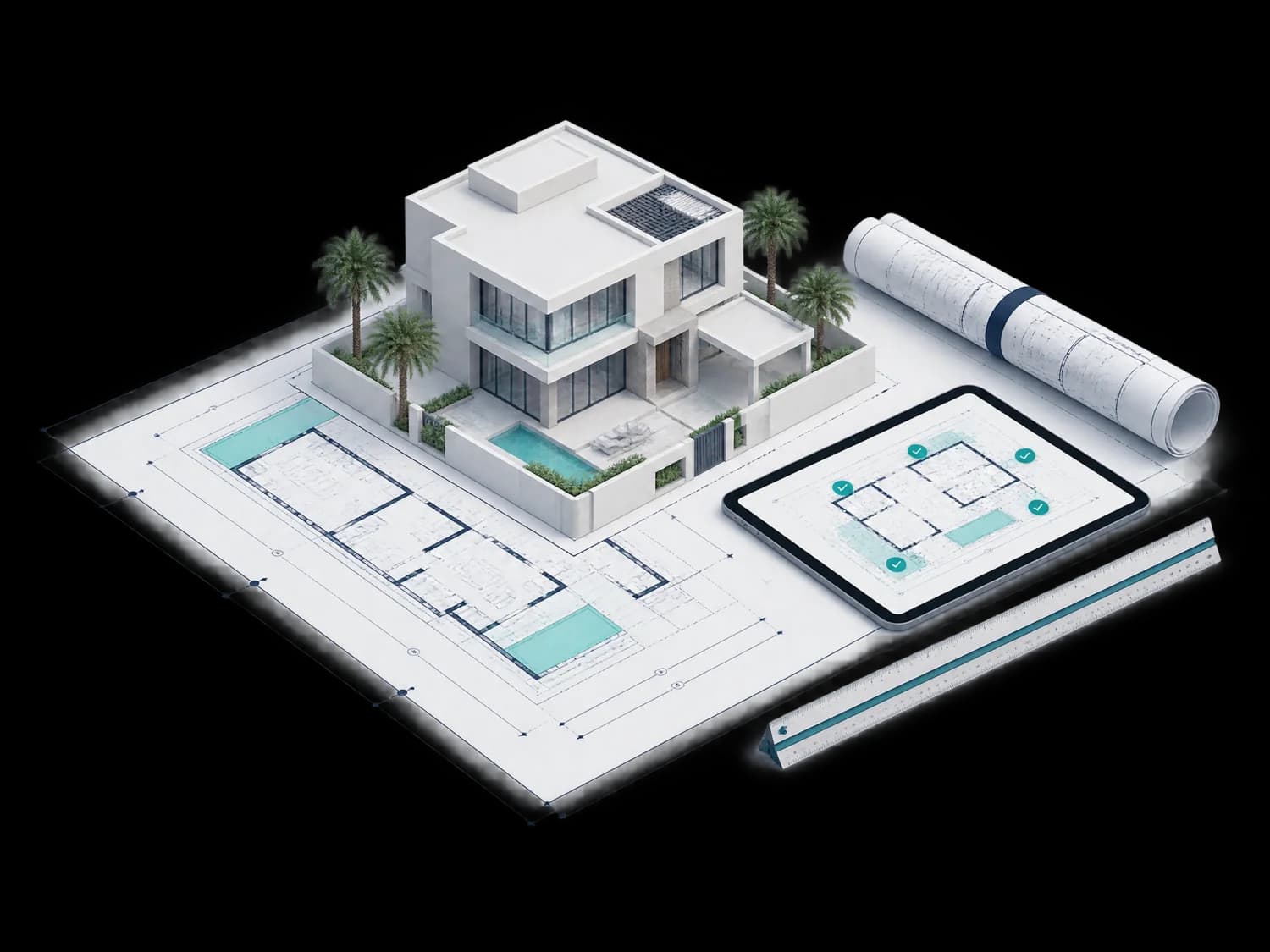
Villa model on an architectural plan beside a tablet showing review notes

Project stages

Project stages, the way your office works.

Stage templates you adapt to your office, each with its own tasks and documents. The next step is always clear.

  1. OpportunityFee proposal and scope of services
  2. DesignDrawings and their reviews
  3. PermitRequirements and authority submissions
  4. TenderBOQs and bid comparison
  5. ConstructionSupervision and payments
  6. HandoverCompletion certificate and final documents

Site visit

From visit photos to a supervision report.

Upload the visit photos from your phone. AI reads the status of the work in each photo and prepares a report you review and edit before it goes out under your office's name.

  • Status read from each photo and linked to its work item
  • Progress table with completion percentages
  • A report on your letterhead, ready to export

Illustrative data

Drawing review

Know the comments before the authority sends them.

Check the drawing against the authority's requirements. Every note points to its place on the drawing and the clause number, and you decide which ones stand.

  • Up-to-date requirements for each authority
  • Architectural drawings compared with structural
  • Notes linked to their place on the drawing

Illustrative data

Tenders

Compare bids item by item, not only by total.

See contractor bids beside your office estimate and the BOQ. Large differences and missing items show up before you write the recommendation.

  • BOQs from your office templates
  • Missing items and unusual prices highlighted
  • An award recommendation ready for review

Illustrative data

Documents and correspondence

Documents in your office's identity, letters from the project's context.

Contracts, specifications and letters from your office templates, with automatic numbering and the approval steps you set. Upload an incoming letter and get a draft reply from the project's data.

  • Templates, letterhead and numbering for each document type
  • Approval policies you adapt to your office
  • Draft replies linked to the original letter

Illustrative data

Payments

Approve the contractor's payment with clear figures.

Work out the payment from approved progress, with retention and advance recovery, and prepare the payment certificate for the owner.

  • Progress from approved supervision reports
  • Retention and advance payment calculated
  • A payment certificate ready to sign

Illustrative data

Project chat

Ask your project, and the answer comes from its files.

Ask about a contract clause, a note from the last visit or the status of payments. Answers come from the project's files, with the source.

  • Answers from the project's documents only
  • A link to the document and page
  • For every member, within their permissions

Illustrative data

An assistant that improves with your office

It writes in your office's style and knows the latest requirements.

  • Your office's style

    It learns how your office writes from the documents you approved.

  • Current requirements

    It applies the latest version of authority requirements and tells you what changed.

  • Always a draft

    It suggests and never approves. Every output goes through an engineer's review.

Your office team

Every member sees what concerns them. The manager sees the whole picture.

  • Manager's dashboard

    The status of every project and what awaits your decision.

  • Roles and permissions

    Owner, manager and engineer, with per-member adjustments.

  • Approvals

    A document leaves only after the right person approves it.

  • Activity log

    Who did what and when, in every project.

Try the consultant edition on a complete project.

Open the prototype without an account, or talk to us about a trial in your office.